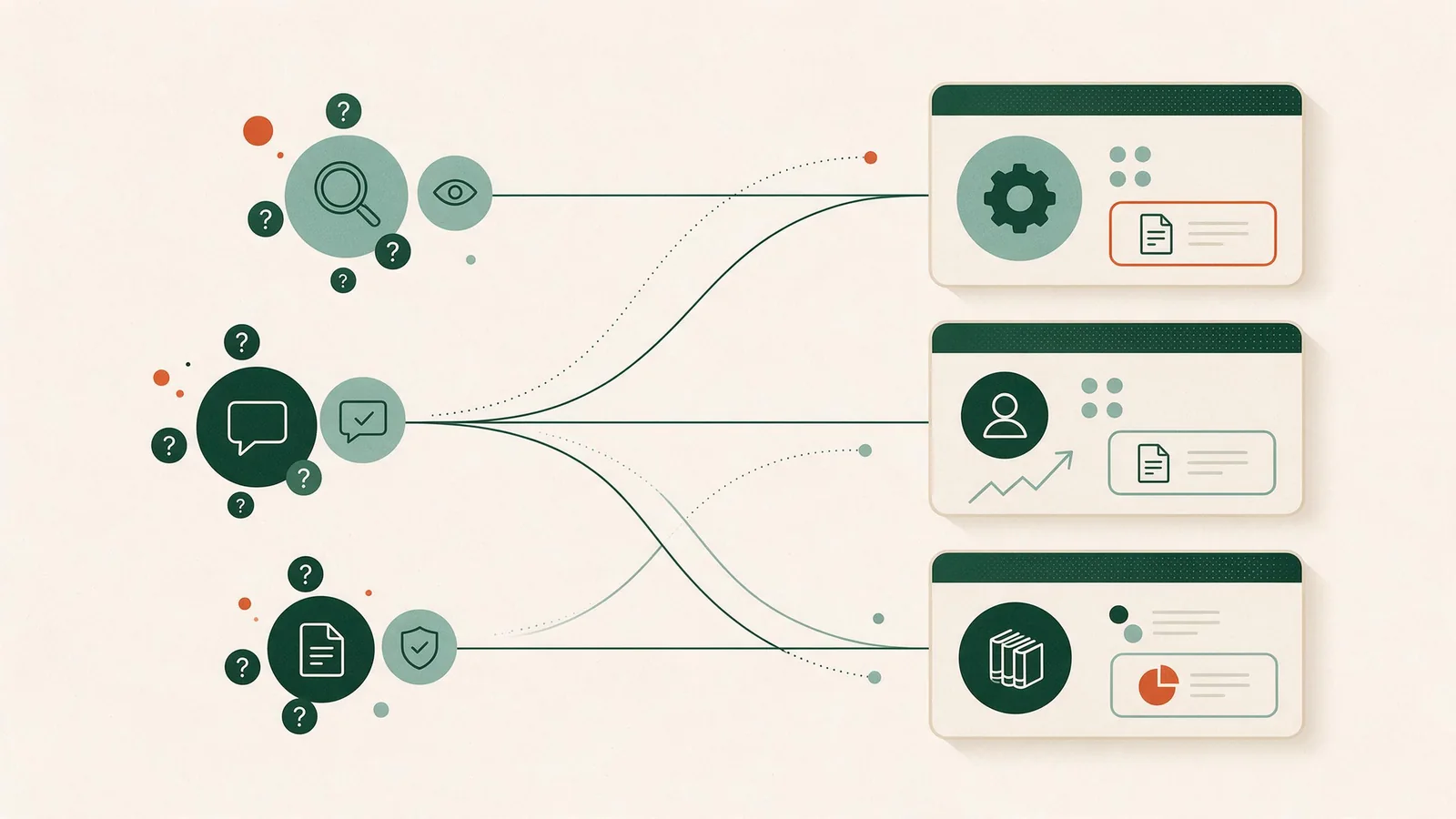
A website content strategy is the plan for what pages your site will contain, what each page must prove, who owns it, and when it gets reviewed. It is not a social calendar, an email schedule, or a pile of blog drafts. It is the operating system for the pages that carry your commercial argument: the ones a buyer reads when they are deciding whether to talk to you. Get this right and every downstream tactic — campaigns, newsletters, AI-search visibility — has something solid to point at.
What a Website Content Strategy Is (and What It Is Not)
Three things commonly get mistaken for a website content strategy:
- An editorial calendar. A calendar schedules publishing. It assumes the pages already exist and already work. That assumption is often wrong.
- An export lead-generation playbook. That is a demand-generation motion, usually aimed at buyers outside your home market. Useful, but it does not decide what your service pages say.
- An AI-search-only strategy. Optimizing for generative engines is a channel question. If your underlying pages are thin, restructuring them for AI summaries just distributes the thinness faster.
What remains is a content system: planning, creation, delivery, governance, and maintenance, applied specifically to your website. That scope matters because B2B buyers rarely convert on first contact. They read a service page, then a methodology page, then a proof page, then come back a month later with a procurement checklist. Each of those pages has a job, and the strategy is what assigns the jobs.
Start With Buyer Questions, Not Keywords
Keywords describe how people search. They do not describe what people need to decide. Start with the decision.
For most B2B firms, buyer questions cluster into four bands:
- Problem framing — "We suspect our intake process is leaking revenue. Is that a real category of problem?"
- Approach comparison — "How do different vendors solve this? What are the trade-offs?"
- Vendor evaluation — "Can this firm do it for an organization our size, in our industry, under our constraints?"
- Risk reduction — "What happens if it goes wrong? Who is accountable? What does onboarding actually look like?"
Keywords then become a discovery layer mapped onto those questions — a way to check demand and phrasing, not the organizing principle of the site. Google's guidance on creating helpful, reliable, people-first content frames this well: the test is whether content provides original information and analysis, whether the page title gives a descriptive summary, and whether the page presents information in a way that makes you want to trust it — through clear sourcing and visible expertise.
A practical exercise: review a recent set of sales-call notes and inbound form submissions. Write down the questions in the buyer's own words, group repeated questions, and check whether the website answers each one. The gaps you find become candidates for pages or for clearer sections on pages you already have.
Design the Page System: Service, Source, and Proof Pages
Three page types carry most of the weight.
Service pages explain what you do, for whom, at what scope, and what the engagement looks like. One page per service, not one page per keyword variant. If you serve multiple industries or buyer roles from one site, you may need a variant layer — but only where the substance genuinely differs.
Source pages establish how you work and why your approach is defensible. Methodology, frameworks, technical explanations, "how we handle X." These are the pages that answer the expertise question Google's guidance raises: is there background about the author or the site, and is sourcing clear?
Proof pages show evidence. Case studies, outcome narratives, named references where permitted, credentials, audits, certifications. Proof pages are where overclaiming does the most damage, so they get their own rules (next section).
Underneath all three sits structure. The W3C's page structure guidance is blunt about why this matters: headings should be nested logically to label sections, and well-structured content lets screen-reader users, keyboard users, and mobile reading modes navigate efficiently. The same structure helps search engines index the page. Accessibility and crawlability are not competing priorities here; they are the same work.
Set Proof Boundaries: What You Can and Cannot Claim
Write the rules down before anyone writes a page.
| Claim type | Allowed? | Requirement |
|---|---|---|
| Named client outcome | Only with written permission | Signed release, client-approved wording, review date |
| Anonymized outcome ("a mid-market logistics firm") | Usually | Internal record of the underlying engagement; label clearly as anonymized |
| Illustrative or hypothetical example | Yes | Must be labeled illustrative, not presented as a client result |
| Aggregate or directional statement | Only with verifiable internal data | Source noted internally; no invented percentages |
| Vendor/service capability claim | Yes, if currently true | Must match what the team can actually deliver today |
Two rules that prevent most problems. First: if a client engagement is under NDA, the proof page describes the problem type and method, not the client. Second: never let a hypothetical example drift into case-study formatting. If it looks like a case study, readers will assume it is one.
This is also where service descriptions need discipline. Where a firm publishes keyword research, site diagnosis, and content creation as components of an SEO service, that is a service description — a statement of what the offering includes. It is not evidence of outcomes, and it should not be dressed as one.
Build the Search Architecture: Crawlable Links and Logical Headings
A content map is only useful if search engines can traverse it. Google's documentation on link best practices states that Google uses links as a signal when determining page relevancy and to find new pages to crawl, and that Google generally can only crawl a link if it is an <a> element with an href attribute. JavaScript-only navigation, <span href> pseudo-links, and empty anchor text all break that.
Practical architecture rules:
- Every important page is reachable by a real link from at least one other page — ideally from a hub, not only from a footer.
- Anchor text describes the destination. "Read our onboarding methodology," not "click here."
- Heading hierarchy is sequential. One H1, then H2s for major sections, H3s beneath. Do not skip levels for visual effect.
- Hub pages exist. A services hub, a resources hub, an insights hub. Hubs give crawlers and readers a map.
If your site's navigation depends on a page builder that renders menus as scripted elements, this is worth fixing at the template level rather than page by page. The same applies to how your pages are structured for discovery overall — see our notes on SEO-friendly website design and how to improve website SEO for the technical layer that sits under the content plan.
Assign Ownership and a Review Cadence
Unowned pages rot. Name a single accountable owner per page type, plus an approver for proof claims.
| Page type | Accountable owner | Approver | Review trigger |
|---|---|---|---|
| Service page | Marketing lead | Service line lead | Offering, pricing model, or scope change |
| Source/methodology page | Subject-matter expert | Marketing lead | Method change; annual check |
| Proof page | Marketing lead | Client + legal (if named) | Permission expiry; new data; claim change |
| Hub/navigation | Web owner | Marketing lead | Any structural change to the page set |
| FAQ/objection page | Sales enablement | Marketing lead | Recurring new objection in sales calls |
Cadence is a trigger system plus a floor. Triggers catch reality changing. The floor — say, an annual pass over every page — catches drift, dead links, and stale screenshots. There is no universal correct interval; it depends on how fast your offering and market move.
Worked Illustrative Content Map
The following is a hypothetical example for illustration only. It is not a client case and does not describe any real engagement.
Imagine a 40-person B2B firm selling compliance workflow software to mid-market manufacturers.
| Buyer question | Page type | Working title | Proof requirement | Owner | Review trigger |
|---|---|---|---|---|---|
| "Is audit-prep actually a software problem?" | Source | Why audit prep breaks at 200+ employees | None required; original analysis | SME | Annual |
| "What does the product do?" | Service | Compliance workflow platform | Feature accuracy sign-off | Product marketing | Release cycle |
| "Can it handle multi-site operations?" | Service variant | Multi-site compliance | Internal deployment record | Product marketing | Any architecture change |
| "Has this worked for someone like us?" | Proof | Two anonymized deployment narratives | Internal engagement records; anonymization approved | Marketing lead | Permission/data change |
| "What does implementation take?" | Source | 90-day implementation outline | Delivery team confirmation | Delivery lead | Process change |
| "What if we need to leave?" | FAQ | Data export and exit terms | Legal review | Legal | Contract template change |
| "Who else uses this?" | Proof | Customer logos + named quotes | Written permission per logo/quote | Marketing lead | Annual re-permission |
Seven pages. Each has a question, a job, an evidence rule, and a name attached. That is a content strategy in miniature — and it is buildable in a quarter.
Common Failure Modes and How to Avoid Them
Orphan pages. Content published and never linked from anywhere. Fix by requiring every new page to be linked from a hub before it goes live.
Proof-free service pages. Pages that describe capability with no evidence trail. Fix by pairing each service page with at least one proof or source page.
Diffuse ownership. Everyone contributes, nobody maintains. Fix with the table above.
Channel tunnel vision. Treating AI-search visibility, or any single channel, as the whole strategy. Fix by remembering that SEO is about helping search engines understand your content and helping users find it, per Google's SEO Starter Guide — the content has to be worth finding first.
Stale proof. Logos and quotes used past their permission window. Fix with review dates stored alongside each asset.
If the page system itself is the bottleneck — templates that cannot support clean headings, navigation, or linking — that is a website design problem before it is a content problem, and it is worth solving at that layer.
FAQ
What are the 5 pillars of content strategy?
Frameworks differ, and there is no single universal five-pillar model. Applied to a website, five workable pillars are: (1) purpose and audience — who the pages are for and what decision they support; (2) page structure and information architecture — which pages exist and how they connect; (3) creation and sourcing — who writes what, from which evidence; (4) governance and ownership — who approves, maintains, and retires pages; (5) measurement and review — what triggers a revision. The important thing is that planning, creation, delivery, governance, and maintenance are all covered. A model that omits governance tends to produce a site that looks fine on launch and decays within a year.
How is a website content strategy different from a content marketing calendar?
The website strategy governs the pages on your site: which pages exist, what each must prove, who owns it, and when it is reviewed. A content marketing calendar schedules publishing across social, email, and blog channels. The website strategy is the foundation; the calendar is a downstream tactic that points traffic at pages that already work. Building the calendar first usually means driving attention to pages that cannot close the argument.
How often should we review website content?
There is no single correct cadence, and any fixed promise would be misleading. Drive frequency by page type and risk. Service pages tied to changing offerings often warrant a quarterly look. Source and methodology pages may hold for a year. Proof pages should be reviewed whenever claims, permissions, or underlying data change. Pair a calendar floor with explicit triggers — product change, market shift, sustained traffic decline, a new objection recurring in sales calls — so the site responds to reality rather than to a schedule alone.
How do we decide which existing pages to keep, merge, rewrite, or unpublish?
This is genuinely under-served by public guidance, so treat it as a judgment exercise with a clear rubric. Score each page on four axes: does it answer a real buyer question, is it accurate today, does it have a named owner, and is it reachable by a crawlable link. Pages that fail on accuracy or ownership are candidates for rewrite or retirement. Pages that answer overlapping questions are candidates for merge. Pages nobody can link to or maintain are candidates for unpublish — but check first whether they carry inbound links or rank for queries your sales team hears.
What if our client outcomes are confidential?
Describe the problem type and the method rather than the client. Anonymized narratives are legitimate proof when they are clearly labeled as anonymized and backed by an internal record of the underlying engagement. What you must not do is present a hypothetical scenario in case-study formatting — that crosses from illustration into misrepresentation.
Can one website serve multiple industries or buyer roles?
Yes, but only where the substance genuinely differs. If the compliance obligations of a manufacturer and a healthcare provider are materially different, that earns two pages. If the difference is a swapped logo and a changed noun, it earns one page with a clear scope statement. Multi-segment architecture multiplies maintenance cost, so add variants deliberately and assign each one an owner.
Sources
- Google Search Central — Creating helpful, reliable, people-first content
- Google Search Central — SEO Starter Guide
- Google Search Central — Link best practices for Google
- W3C Web Accessibility Initiative — Page Structure Tutorial